
From the team behind aidrop.it — one workspace to build, host, and keep changing your code.
Every host eventually tells you to point your domain at them with a CNAME. It works immediately for app.example.com and fails for example.com, and the error your DNS provider gives is rarely the reason.
The reason is not a limitation of your provider. It is a rule of DNS: the apex of a zone cannot hold a CNAME. A CNAME means this name is an alias and has no records of its own. The apex is obliged to carry the records that make the zone exist — its authority record and its nameservers. Both cannot be true of the same name.
So the question is never "how do I add a CNAME to my root domain". It is which of three workarounds your provider offers, and which of them survives the host moving your application.
Why the apex is different from every other name
www.example.com is an ordinary name in your zone and may be an alias for anything. example.com is the zone's apex: it must carry the SOA record naming the zone's authority and the NS records naming its servers. A CNAME excludes all other records at the same name, so putting one on the apex would delete the zone's own definition. Resolvers would stop being able to find it at all.
What "flat CNAME" actually does
CNAME flattening is your DNS provider resolving the alias itself, at the moment somebody asks, and answering with the addresses it got back. You type a hostname; the world receives address records. It looks like a CNAME in your dashboard and is a perfectly ordinary A record on the wire, so nothing is violated.
Cloudflare calls it CNAME flattening and applies it to the root record by default. Other providers sell the same idea as ALIAS (DNSimple, Route 53's alias records) or ANAME (DNS Made Easy, easyDNS). Different names, one mechanism: resolution moves from the client to your DNS provider.
The three options, in the order to try them
1. A flattened CNAME, ALIAS or ANAME. Enter the target as a name and let the provider resolve it. This is the right answer wherever it exists.
2. An A record. Resolve the target yourself, type in the addresses. It works with every provider on earth and it is a snapshot — see below.
3. A subdomain and a redirect. Run the application on www., where an ordinary CNAME works, and redirect the bare domain to it at your registrar. One extra hop for anyone who types the short name. Reach for it when your provider offers neither of the first two.
Why the alias beats the A record, and it is not about elegance
An A record freezes an address into your zone. An alias is re-resolved on every query.
That difference is invisible until your host moves your application — a new node, a new region, a failover — at which point the alias follows and the A record points at something that is no longer yours. You find out when the site goes down, and the record that caused it is one you typed correctly months ago and had no reason to look at.
This is the same class of problem as an application writing to a disk that does not survive a restart: the configuration is correct on the day and quietly assumes something the platform never promised. Prefer the record type that re-asks the question.
Two commands that tell you what your apex is really doing
Save this as dns-check.sh and run it against any domain, on any host. It answers the only two questions that matter here — what your apex actually returns, and whether it agrees with your subdomain.
#!/bin/sh
# usage: ./dns-check.sh example.com
D="$1"

echo "== apex: $D =="
dig +short "$D" A
echo "-- is there a CNAME hiding here? (should be empty at an apex) --"
dig +short "$D" CNAME
echo "-- who is authoritative --"
dig +short "$D" NS

echo
echo "== subdomain: www.$D =="
dig +short "www.$D" CNAME
dig +short "www.$D" A
How to read it. Addresses at the apex with an empty CNAME line is the correct result — including when your provider is flattening, because flattening is invisible from outside by design. A CNAME answer at the apex means your provider accepted something some resolvers will disagree with. An empty apex with a working www means you are on option 3 whether you chose it or not.
What to ask a host before you commit
Ask whether the target is a hostname or a bare address. A host that gives you a hostname expects to move behind it, which is the arrangement an alias is for. One that gives you an address and nothing else has told you something about how it operates.
Then ask how they verify the domain, because that is where correctly configured domains most often get stuck — verifying by reading DNS breaks for everyone behind a proxy. And ask what the domain will be reachable by, since a public address is a decision rather than a side effect of deploying.
FAQ
Why can't I add a CNAME to my root domain? Because a CNAME means the name has no other records, and a zone apex must carry its SOA and NS records. The two rules contradict each other, so DNS forbids it. Any provider that appears to allow it is doing CNAME flattening underneath.
What is CNAME flattening? Your DNS provider resolves the alias itself and answers queries with the addresses it received, so the record behaves like a CNAME to you and like an A record to everyone else. ALIAS and ANAME records are the same mechanism under different names.
Is an ALIAS record the same as an ANAME record? Functionally yes — both resolve a hostname at the provider and return addresses. The names differ by vendor. Neither is a DNS standard; both are provider features, which is why not every registrar has one.
Should I use an A record or a flattened CNAME? Prefer the flattened CNAME, ALIAS or ANAME. An A record is a snapshot of an address and will not follow your host when it moves your application; an alias is re-resolved on every query and will. On aidrop.it the target you are given is a hostname for exactly that reason — the zone belongs to the cluster serving your project, not to one fixed address.
Does the apex need its own certificate? Yes. example.com and www.example.com are different names, and a certificate covering one does not cover the other. If you redirect the apex, that redirect is served over HTTPS too — and if the record resolves while HTTPS still fails, that is a second clock rather than a broken record.
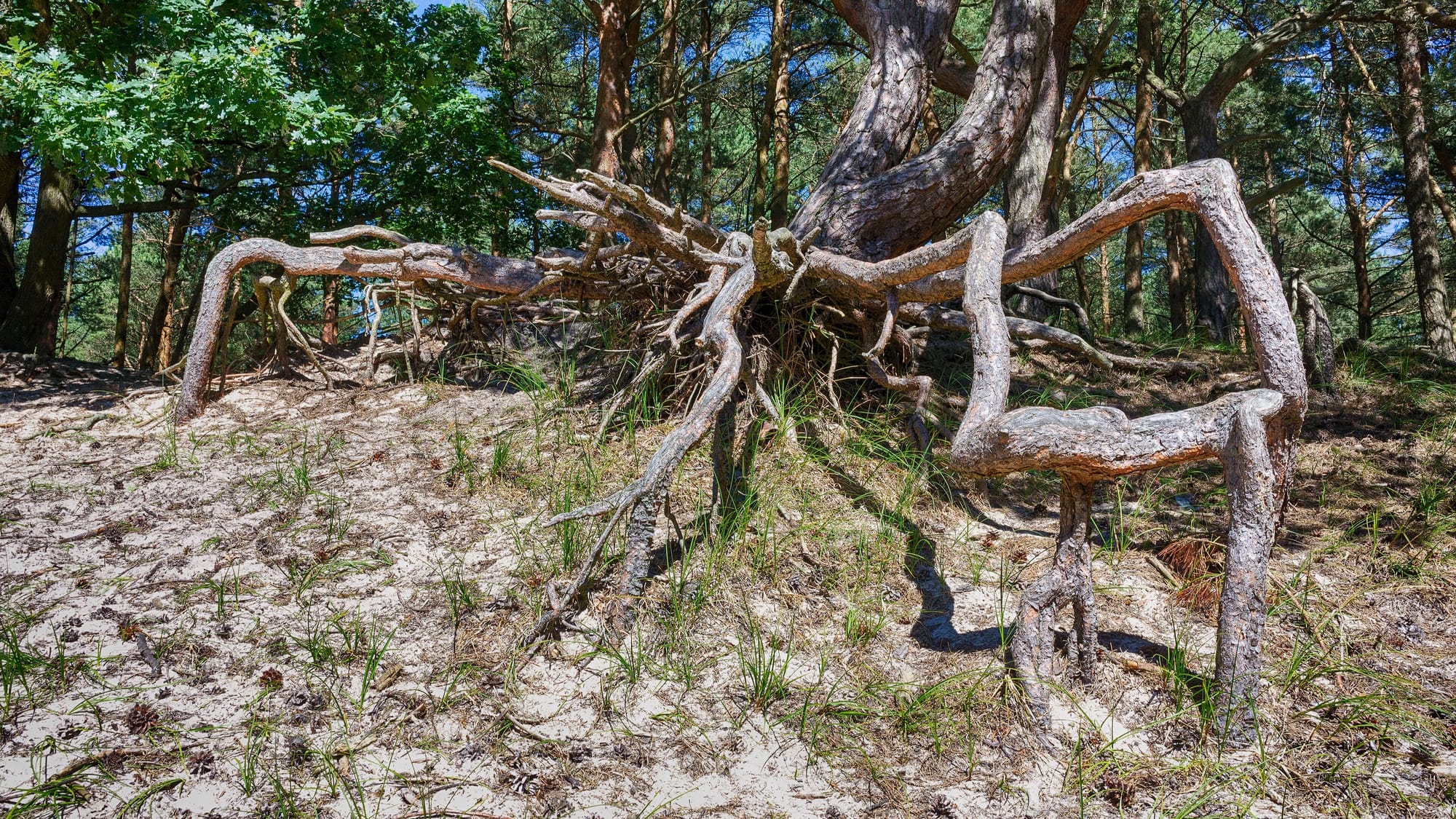
Cover: https://commons.wikimedia.org/wiki/File:Large_tree_root_Gro%C3%9Fe_Baumwurzel_(27880714914).jpg by J. Triepke, CC BY 2.0, via Wikimedia Commons. Cropped to 16:9 within the original frame. Alt text: The exposed roots of a large tree spreading across the ground at the base of its trunk.
.jpg?ref=aidrop.it)
Point a name you own at a project that is already running
Claim the hostname, create one record, press verify. The proof is a request rather than a DNS lookup, so a proxy in front of your DNS changes nothing — and the name serves nothing at all until it is proved.