
From the team behind aidrop.it — one workspace to build, host, and keep changing your code.
You already pay for a database somewhere. Then you move the application to a new host, and the host offers you one of its own. The instinct is to take it, because that is what the host is selling — and the instinct is often wrong.
Where your code runs and where your records live are two separate decisions. Hosting is a place to put a process. A database is a place to put facts you cannot regenerate. Nothing forces them onto the same bill, the same provider, or the same failure.
What settles the question is not the provider's marketing. It is one technical fact most people meet by surprise: what your container is allowed to dial out to.
The port decides, not the provider
Most hosts restrict outbound traffic, and the common shape is that HTTP on 80 and HTTPS on 443 leave the container and nothing else does. That one rule sorts every "can I connect to X" question you will ever ask:
- A provider's HTTPS API — a REST layer, a client library built on it, auth, object storage. Works. It is ordinary web traffic.
- A database over its own wire protocol —
postgresql://…:5432, a pooler port, MySQL on 3306, Redis on 6379. Does not. It is a raw socket on a port that is not open. - A database running beside your application, inside the same private network. Works, because that traffic never leaves.
This catches people because the failure looks like a bug in their own code. It is not — it is refused, usually fast, and the fix is never in the connection string.
The rule is not arbitrary. An application that can open a socket to any port is the shape abuse takes — mail sent from an address that is not yours, scans launched from somebody else's reputation, a dependency phoning home where nobody watches. Restricting egress to web traffic removes that for every tenant at once, including you, and the cost is exactly this: no database protocols to the open internet.
So what do you actually do
If your provider has an HTTPS interface, use it and keep your data where it is. Most managed database products ship one. Your data stays under your account, your backup policy and your existing bill.
If you need the wire protocol itself — an ORM speaking to Postgres directly, a migration tool, a psql session from inside the app — the database has to run beside the application. That is what a host's managed database is for, and the honest reason to take one.
Check the client, not just the URL. Where egress goes through a proxy, your HTTP client has to honour HTTP_PROXY and HTTPS_PROXY. Most standard libraries do.
Attaching one is not an integration
There is usually nothing to install. Store the address as a value on the project, deploy, and the code reads it from its environment — the same line it already uses. If it already reads a connection string from the environment, there is nothing to change: give the value the name the code expects. If two applications will use the same tables, assign ownership of schema changes before connecting the second one.
Two habits worth adopting before you discover them. Keep development and production on separate addresses — a staging deploy that can reach production data is the accident a second environment exists to prevent. And set the value yourself rather than asking an agent to: anything passed through a tool call lands in a log, and a credential in a log has stopped being one.
Moving between them later
You are not choosing once. An application can usually read more than one database at a time, each under its own variable name, which is what makes a move survivable: attach the new beside the old, run both while the data copies, drop the name you no longer read. The same test as whether you could actually leave — not whether an export button exists, but whether you could run in both places for a week.
Check it yourself, in two commands
Run these from inside a container on the host you are evaluating, before you design anything around a connection string. The first is what a REST client does; the second is what an ORM does.
# HTTPS out — expect 200 (or any HTTP status; the number is not the point)
curl -s -o /dev/null -w 'https: %{http_code}\n' https://api.github.com

# The database wire protocol — expect this to hang or refuse
timeout 5 bash -c '</dev/tcp/your-db-host/5432' \
  && echo 'postgres port: open' \
  || echo 'postgres port: refused'
Two lines and one line of output apiece. If the first prints a status and the second prints refused, you have the common shape: use the provider's HTTPS interface, and keep the wire protocol for a database running beside the application. Save it in the repository — it is the fastest answer to "why does this work locally" you will ever need again.
FAQ
Can I connect to a hosted Postgres from a container? Over its HTTPS interface, yes. Over postgresql://…:5432, usually not, because most hosts open only ports 80 and 443 outbound. Check the host's egress rules before you design around a connection string.
Why does my database connection fail in production but work locally? Almost always outbound port filtering rather than credentials. If the same URL works on your machine and fails in the container, suspect the port before the password.
Is it cheaper to use a managed database from my host? Not automatically. It is cheaper in attention — one bill, one network, no egress question — and it costs capacity in whatever the host rations. On aidrop.it either route works: a database it runs beside your application, or your own reached over HTTPS, with no plan feature required for the second.
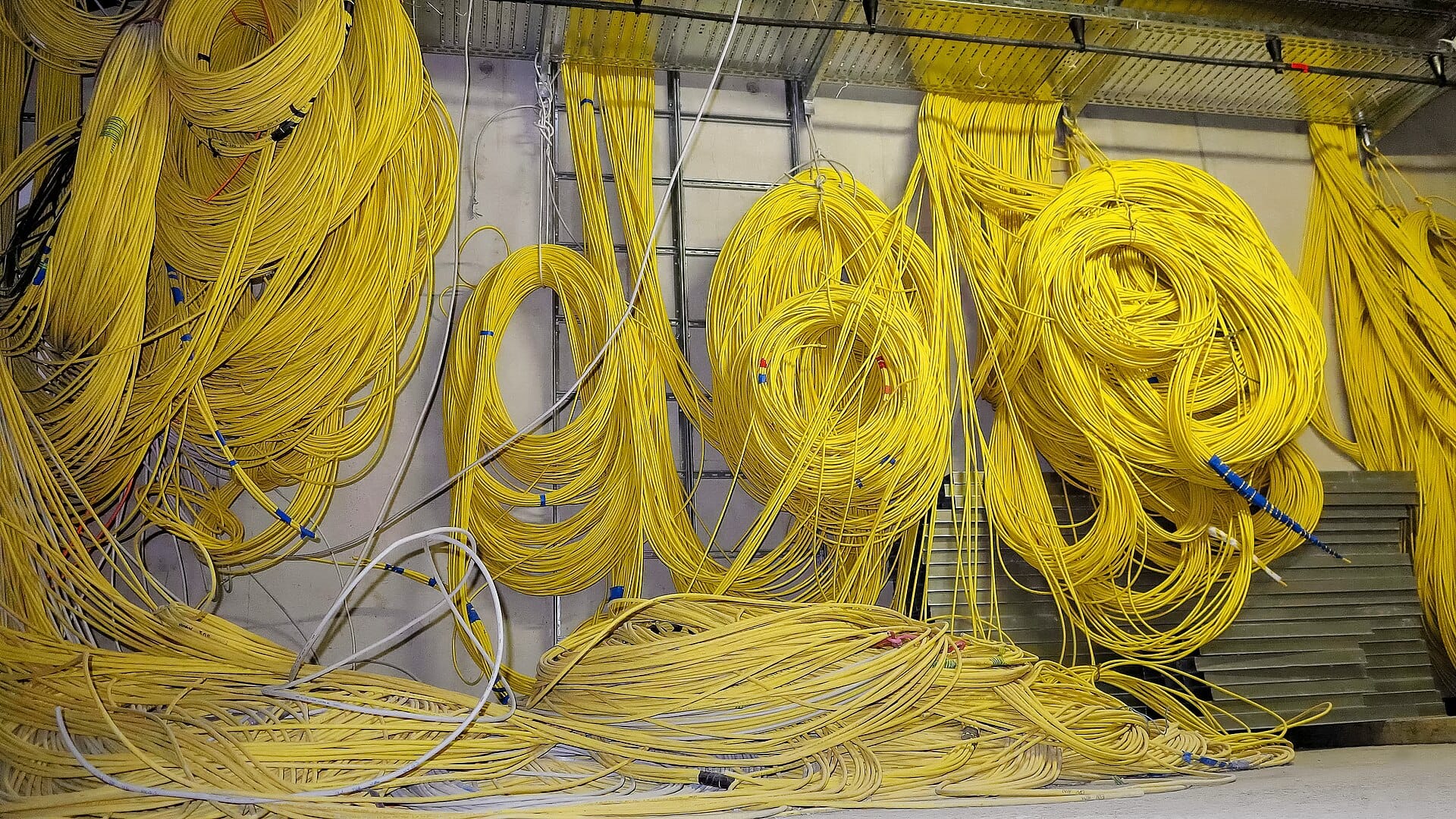
Cover: https://commons.wikimedia.org/wiki/File:Cables_(IMG_3071-CC).jpg by ESO/F. Reckmann, CC BY 4.0, via Wikimedia Commons. Cropped to 16:9 within the original frame. Alt text: Dense bundles of coloured network cables running through a patch panel.
.jpg?ref=aidrop.it)
Get it running from the session you are already in
Connect your coding agent over MCP and ask it to deploy. aidrop builds the repository and runs it on a public address; when a build or the app fails, the log says why, and your agent fixes it and builds again.